Home · Guide · Tools

Browser game controls and availability

This reference compares ten separately published games by the task you perform: steering, choosing a math tile, finding an object, dropping a block or timing a jump. Choose a category, then expand a title for source-backed controls and an original practice exercise.

Current availability · October 18, 2026

All ten supplied embeds displayed “not available here” on frontwarsio.com during our browser check, so those frames have been removed. This directory does not provide on-site play. Publisher links identify the current source and its distribution options; a working external play session has not been confirmed. For FrontWars itself, use the separately labelled official entry in the header.

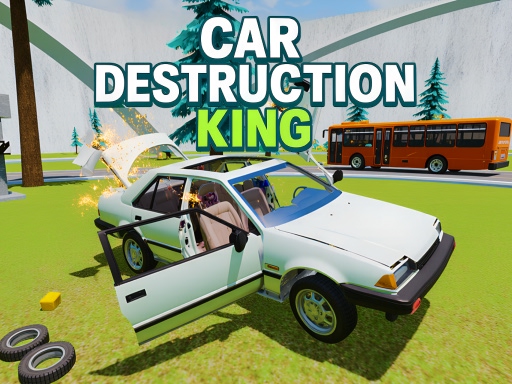
Car Destruction KingA driving game built around obstacle courses, crash challenges and different cars. Choose a mode before comparing your attempts; a record-time run and a crash experiment are different goals.
Car Destruction King

Controls and objective

  • Use the on-screen driving controls on mobile or the game’s keyboard controls on desktop.
  • The distributor lists nitro, a handbrake and slow motion; check their current bindings in the game.

Practice exercise

For a learning run, approach one unfamiliar obstacle without a speed boost. Observe its motion, then retry with a deliberate change in approach speed. This is a practice exercise, not a tested fastest route.

How to interpret a session

Compare results within the same selected car, map and mode. This page does not establish a universal score formula or best vehicle.

Publisher: Playgama · Source reviewed 2026-10-18. The exercise is a learning suggestion, not a claim of firsthand play or measured optimal strategy.

View Car Destruction King publisher page ↗
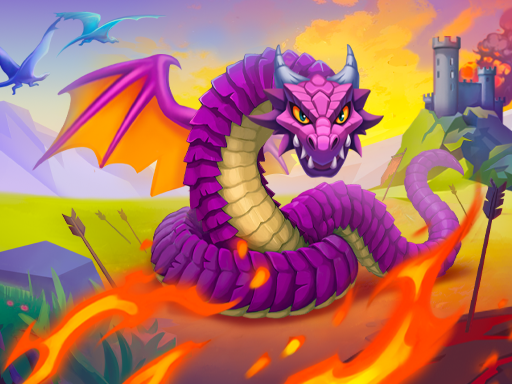
Worms Zone a Slithery SnakeSteer a growing worm around a food-filled play area. The distributor describes eating and danger from other worms, rather than a fixed race course.
Worms Zone a Slithery Snake

Controls and objective

  • Move the mouse to steer.
  • Use Space for the speed action described by the distributor; check the game for touch controls.

Practice exercise

Begin by turning and collecting nearby food before testing speed. Pick an open area to learn how quickly your worm responds, then practice one turn at a time. We have not verified a boost-cost formula, collision with your own tail, or whether every visible rival is a live player.

How to interpret a session

Read the current game’s length, score and mode display. We do not equate length with the entire scoring system or claim a verified multiplayer population.

Publisher: Peaky Muzzle · Source reviewed 2026-10-18. The exercise is a learning suggestion, not a claim of firsthand play or measured optimal strategy.

View Worms Zone a Slithery Snake publisher page ↗
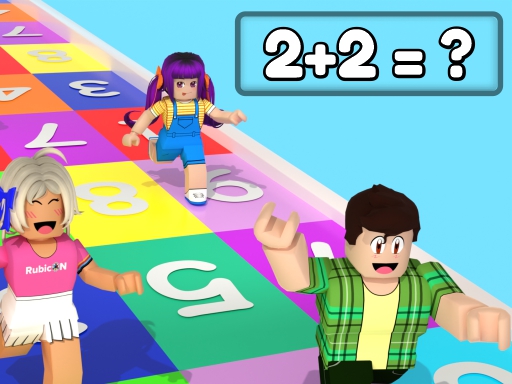
UGC Math RaceA running race where the answer to a math question determines the tile you should step on. The current distributor instructions say a wrong tile causes a fall.
UGC Math Race

Controls and objective

  • Read the displayed math question.
  • Move onto the tile with the correct answer using the controls shown in the game.

Practice exercise

Before trying for speed, identify the answer tiles and how to move between them. Solve the question, then aim for the matching tile. If you fall, compare the answer you chose with the movement you actually made; arithmetic and positioning are separate possible causes.

How to interpret a session

The distributor mentions finishing the race and a leaderboard. It does not establish here a fixed distance per answer or a penalty-time formula.

Publisher: 2Play · Source reviewed 2026-10-18. The exercise is a learning suggestion, not a claim of firsthand play or measured optimal strategy.

View UGC Math Race publisher page ↗
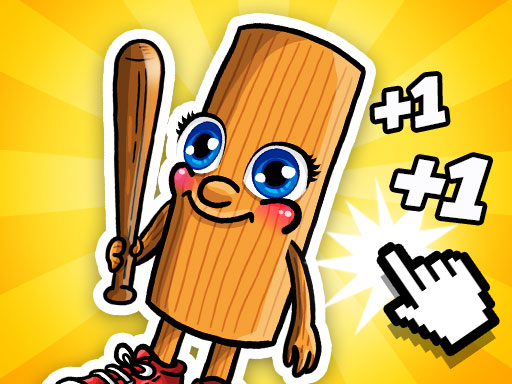
Italian Brainrot Baby ClickerA character-themed clicker where taps earn points for upgrades. The distributor also describes a two-player tapping mode with separate keys.
Italian Brainrot Baby Clicker

Controls and objective

  • Click or tap to earn points and select available upgrades.
  • For the listed two-player mode: Player 1 uses W and Player 2 uses Up Arrow.

Practice exercise

Start by checking the cost and displayed effect of one upgrade. Buy it when affordable, then compare the visible counter before making another purchase. If you choose the two-player mode, agree on which key belongs to each player first. This is a learning method, not a proven optimal upgrade order.

How to interpret a session

The distributor lists a 2× mode, but this page does not establish its trigger, duration or whether every upgrade automates income. Read the current upgrade labels.

Publisher: gameVgames · Source reviewed 2026-10-18. The exercise is a learning suggestion, not a claim of firsthand play or measured optimal strategy.

View Italian Brainrot Baby Clicker publisher page ↗
Two Stunt RacersA car game with multiple modes, customization and a two-player option. The current distributor controls assign WASD to Player 1 and arrows to Player 2.
Two Stunt Racers

Controls and objective

  • Player 1: W, A, S, D for driving, steering and braking.
  • Player 2: arrow keys for driving, steering and braking.

Practice exercise

Before a two-player attempt, choose a mode together and test each set of keys separately. Then make a short run focused on turning and braking. A shared keyboard can make coordination part of the task; this does not establish which mode has a particular scoring rule.

How to interpret a session

Use the objective shown by the selected mode. We have withdrawn the old reversed key assignments and unverified claims about trick chains, zeroed scores and finish-line rules.

Publisher: Fuego! Games · Source reviewed 2026-10-18. The exercise is a learning suggestion, not a claim of firsthand play or measured optimal strategy.

View Two Stunt Racers publisher page ↗
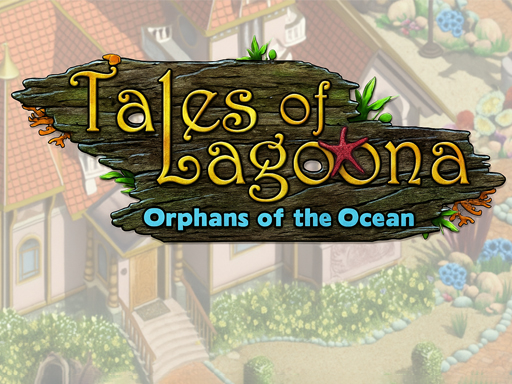
Tales of LagoonaA hidden-object adventure set around an underwater orphanage. Search illustrated scenes for listed items, with a story that also includes selling finds, improvements and mini-games.
Tales of Lagoona

Controls and objective

  • Read the target-item panel and select matching objects in the scene.
  • Use the game’s hint when you need help locating an item.

Practice exercise

Work through the target list in a steady order and scan one region of the scene at a time. Before using a hint, compare the pictured target with objects of similar shape or color. This is a search exercise, not a claim that hints are unlimited or that there is no timer in every mode.

How to interpret a session

Follow the current task panel and scene objectives. We have not established that every scene requires all treasures, that there is no fail state, or that the game is specifically aimed at children.

Publisher: Mad Data · Source reviewed 2026-10-18. The exercise is a learning suggestion, not a claim of firsthand play or measured optimal strategy.

View Tales of Lagoona publisher page ↗
Tag RunA local multiplayer tag-and-parkour game where players try to pass a bomb and survive. The distributor describes maps with movement aids such as teleport pads and jump springs.
Tag Run

Controls and objective

  • Player 1: WASD or arrow keys; Player 2: arrow keys.
  • Player 3: T, F, H; Player 4: I, J, L. Check player assignments on the start screen.

Practice exercise

Choose player slots before starting, because the listed alternatives for Player 1 overlap Player 2’s arrows. Test a jump and one movement aid before a competitive run. Watch who currently carries the bomb rather than treating every nearby player as the same target.

How to interpret a session

The current distributor description mentions local players and matches with six participants; this page does not assert online matchmaking or that every participant is human. Check the selected lobby.

Publisher: CursoraLabs · Source reviewed 2026-10-18. The exercise is a learning suggestion, not a claim of firsthand play or measured optimal strategy.

View Tag Run publisher page ↗
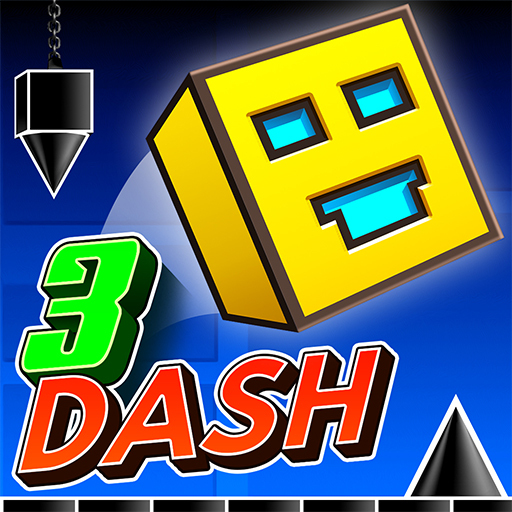
3DashA 3D rhythm platformer with rotating tracks. The distributor describes a set of designed levels and a level editor.
3Dash

Controls and objective

  • Space, right mouse button or a mouse click triggers a jump, according to the distributor.
  • Check the current in-game screen for any mode-specific actions.

Practice exercise

Start with a short sequence of obstacles and choose one consistent jump input. On a retry, compare the timing of one jump rather than changing several inputs at once. The rotating view can change how a gap looks without proving that the underlying timing has changed.

How to interpret a session

We have removed the unsupported “hold to fly” instruction. The listed jump control is the supported starting point; any additional behavior should be checked in the live game.

Publisher: Royale Gamers · Source reviewed 2026-10-18. The exercise is a learning suggestion, not a claim of firsthand play or measured optimal strategy.

View 3Dash publisher page ↗
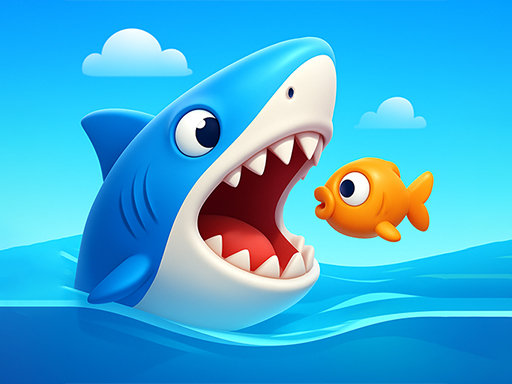
Shark Chomp ChaseA shark-themed browser chase game. The distributor describes hunting, growth and survival, but does not provide a detailed scoring or upgrade specification.
Shark Chomp Chase

Controls and objective

  • The distributor lists arrow-key or mouse control.
  • Read the game’s own start screen before choosing how to steer.

Practice exercise

For a first attempt, test movement in the available play area and identify the displayed objective before pursuing a target. Compare one short attempt with another using the same control method. We do not claim specific prey values, safe obstacles or a best growth route.

How to interpret a session

Read the current score and survival indicators. The source does not establish their formulas; this page does not invent them.

Publisher: GMG · Source reviewed 2026-10-18. The exercise is a learning suggestion, not a claim of firsthand play or measured optimal strategy.

View Shark Chomp Chase publisher page ↗
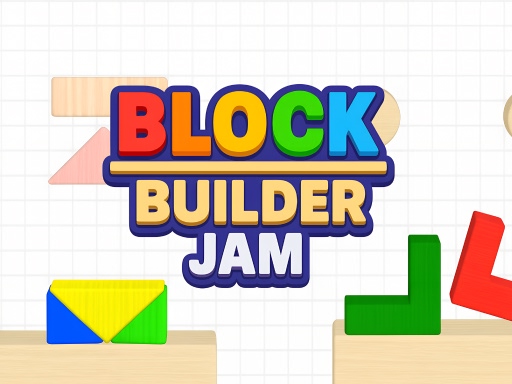
Block Builder JamA physics-based block-placement puzzle. Drop pieces into a marked outline and account for how they settle or stack.
Block Builder Jam

Controls and objective

  • Tap a floating block to release it.
  • Arrange the dropped blocks to fill the required shape shown by the level.

Practice exercise

Before releasing a piece, compare its shape with the empty part of the outline and the support beneath it. Observe how the first piece settles before dropping the next. A failed arrangement can help identify whether timing, placement or unstable support was the problem.

How to interpret a session

The distributor says the required shape must be filled to clear the stage. It does not provide here a star-rating formula, optimal drop order or a guarantee that every arrangement is recoverable.

Publisher: Playgama · Source reviewed 2026-10-18. The exercise is a learning suggestion, not a claim of firsthand play or measured optimal strategy.

View Block Builder Jam publisher page ↗

Former separate game and guide URLs now lead to the matching entry in this directory. Publisher pages establish the listed controls and objective; undocumented score formulas, guarantees about mobile performance and invented developers have been removed. There are no advertisements on this reference directory.